Try Valuecase for 14 days – No strings attached
No more juggling between tools, spreadsheets,
or constant follow-ups.
or constant follow-ups.

No credit card required
14-day free trial
Test ALL features


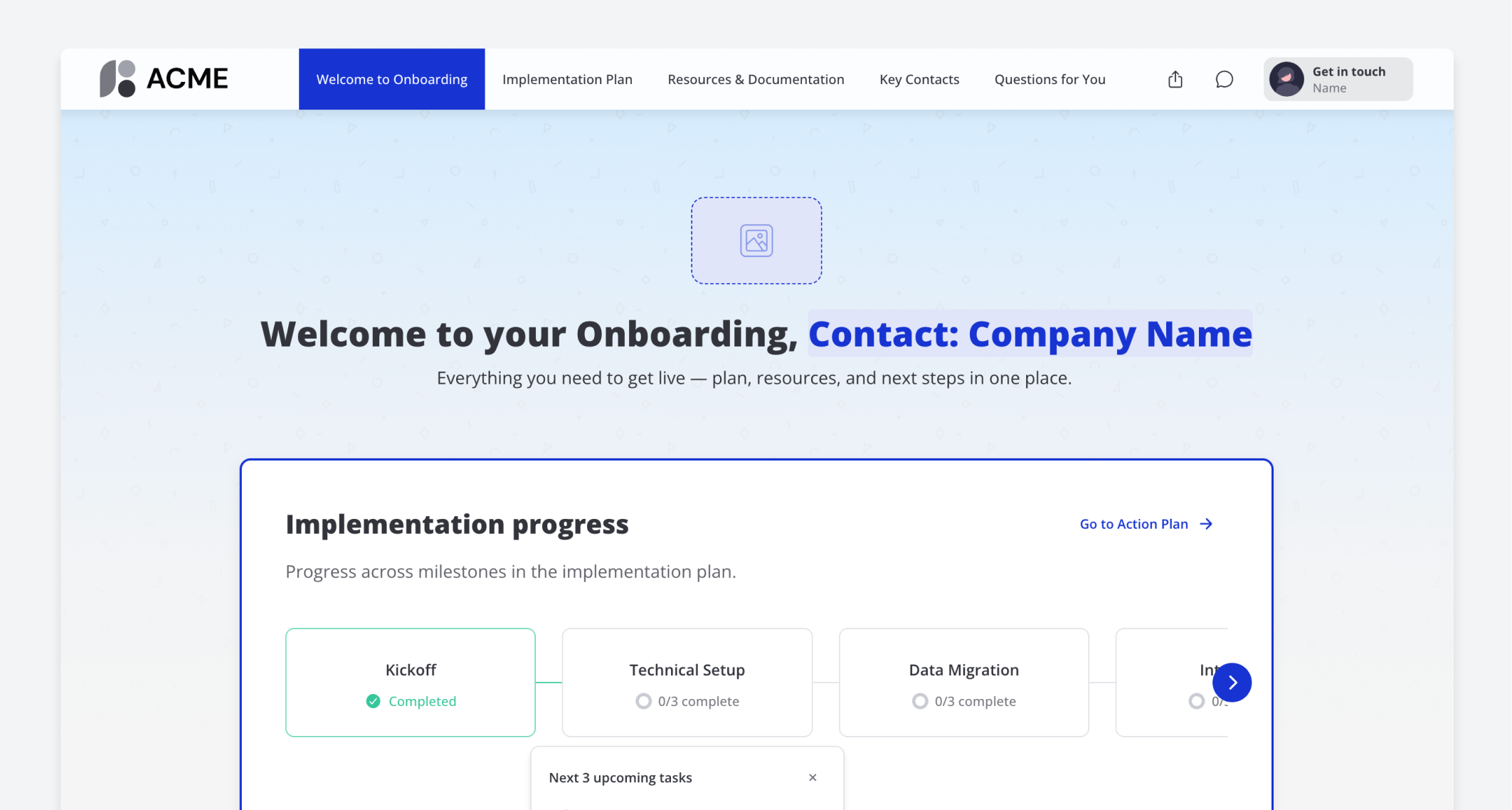
Create an onboarding space for {{companyName}} with these pages: 1. "Welcome to Onboarding" — a title block, a content block explaining what to expect, a milestone progress tracker, and a Next Task block showing the next open item 2. "Implementation Plan" — a mutual action plan with milestones: Kickoff, Technical Setup, Data Migration, Integration, User Training, Go-Live. Add 2-3 tasks per milestone. 3. "Resources & Documentation" — a files block for sharing guides and a content block with links to help center and support 4. "Key Contacts" — a content block listing who to reach out to for what 5. "Questions for You" — a collaborative form collecting technical requirements, preferred go-live date, and key stakeholders
The AI creates a 5-page onboarding hub with a progress tracker on the welcome page, a detailed implementation plan, resources, and an intake form.